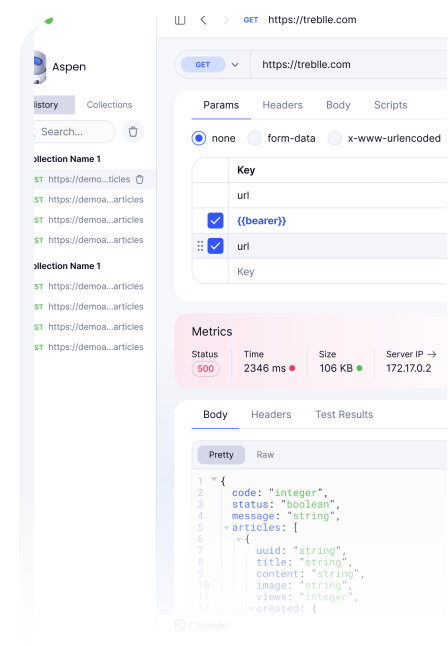
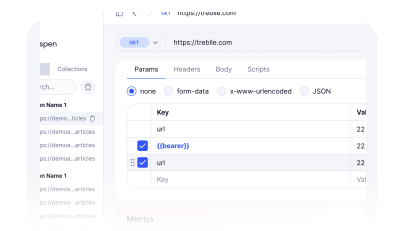
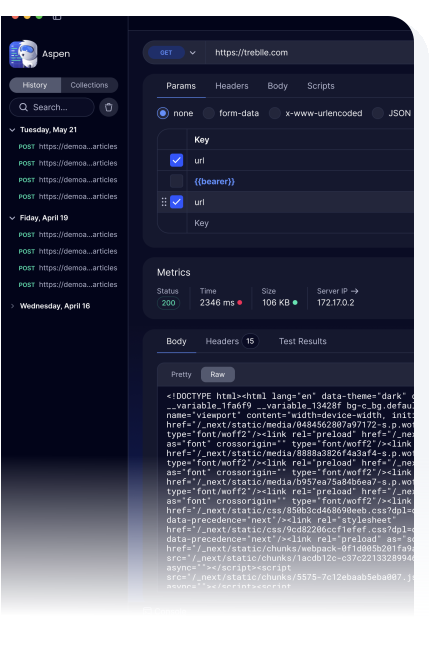
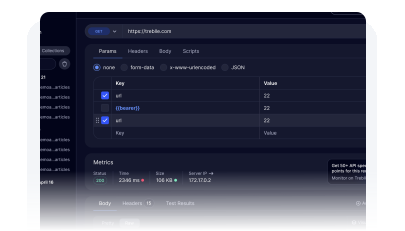
Aspen is Treblle's native desktop API testing tool. Lightweight, fast, and privacy-first by design, it stores all request data on your local machine, supports full scripting and environment management, and gives teams a shareable testing workflow without routing sensitive API calls through a cloud service.
Aspen installs as a native desktop application on Windows and Mac. No account creation is required to start testing. Open it and make your first API request in under a minute.
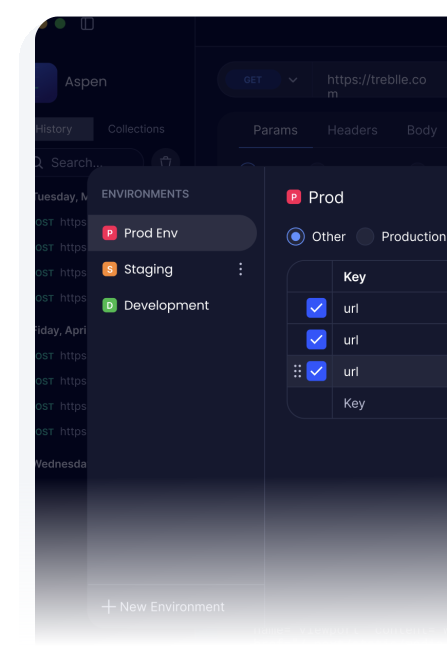
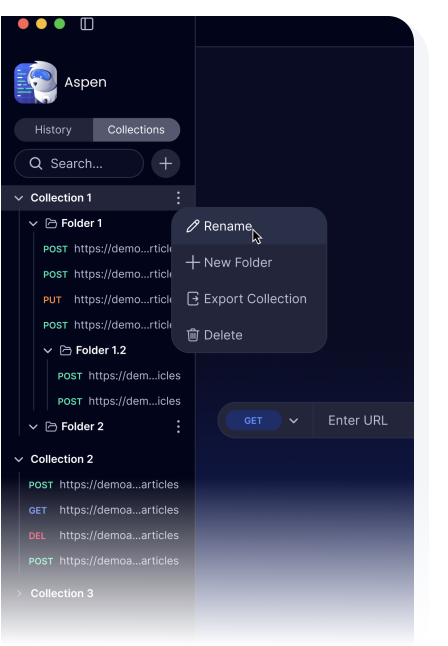
Organize requests into collections with Custom Environments for each target. Use Variables to parameterize any value. Add Pre and Post Scripts to handle authentication flows, chain requests, or automate assertions.
Export a Shareable Collection as a file your team can import. Environment variables stay separate from the collection, so teammates apply their own credentials without the original author exposing sensitive values.
What is Aspen?
Aspen is Treblle's desktop API client for testing and exploring APIs. It runs natively on your machine, stores all request data and collections on your local file system, and does not route your API requests through an external cloud service. Many popular API clients sync collections, environments, and request history to cloud accounts by default, which means API credentials, internal endpoint structures, and response payloads leave your network. Aspen makes a different choice: Local-Only Storage means your data stays on the machine where you are working. Aspen supports the full testing workflow teams need, including custom environments, variables, pre and post scripting, no-code test execution, and shareable collections, without the privacy trade-off.

Privacy First
When a cloud-based API client processes your requests, your internal API structures, authentication tokens, and response payloads move through infrastructure you do not control. For teams working with financial data, healthcare APIs, or internal systems that handle regulated data, this is an unacceptable risk. Aspen is built differently: it runs natively on your machine and all storage is local. No request, no collection, no credential, no response ever leaves your machine unless you explicitly export and share it.
Runs natively on Windows and Mac. No browser required, no Electron performance overhead, no web service dependencies for core functionality.
API requests are made directly from your machine to your API. No proxy, no cloud processing, no telemetry on request content. Your API data is yours.
Collections, environments, request history, and response data are stored only on your local file system. Nothing is synchronized to an external account or cloud service by default.
Fast and Clean
Heavy API clients slow teams down: slow startup, high memory footprint, UI cluttered with features most developers never touch. Aspen is built to start instantly and stay fast. The interface is optimized for the core workflow: building requests, reading responses, managing collections, and switching environments. Features are present when you need them and absent when you do not, so the tool serves the work rather than demanding attention of its own.
Low memory footprint and fast startup time. Aspen opens immediately and stays responsive throughout a development session, without taxing system resources alongside your other development tools.
Request builder, response viewer, and collection management are all visible without menu-hunting. The interface is organized around how developers actually work, not feature category menus.
Full Testing Workflow
A testing tool that only lets you make requests is a browser with extra steps. Aspen supports the complete testing workflow: Custom Environments define base URLs and credentials per target. Variables parameterize any value across a collection. Pre Scripts run JavaScript before a request to generate tokens, set headers, or prepare state. Post Scripts run after the response to extract values, chain to the next request, or run assertions. And No-Code Test Execution means team members who do not write JavaScript can still run tests and see results without modifying scripts.
Run full test collections without writing or modifying scripts. Team members who don't write JavaScript can execute tests, read results, and report findings using the same collection developers built.
JavaScript runs before each request to set up dynamic values, and after each response to extract data, run assertions, or chain into subsequent requests. Automate any testing workflow without an external framework.
Parameterize any value in a request: URL, headers, body fields, query parameters. Reference variables across any request in a collection so changes propagate without manual updates.
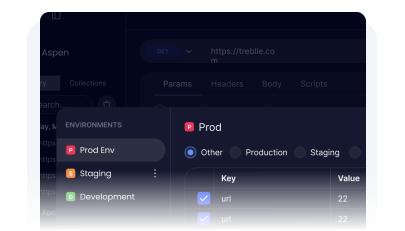
Define named variable sets for development, staging, and production. Switch environments to change all base URLs, tokens, and configuration simultaneously across an entire collection.
Team Collaboration
Sharing an API testing collection used to mean either sharing a file with embedded secrets or setting up a cloud sync account that everyone on the team needs access to. Aspen handles this cleanly: Shareable Collections are exported as files that contain request structure, scripts, and test assertions, but not environment-specific values. A teammate imports the collection and applies their own environment, using their credentials against their target without the original author exposing a single token.
Export collections as portable files for teammates to import. Request structure, scripts, and test definitions travel with the collection. Environment-specific values stay separate and private.
Each team member applies their own environment to an imported collection, supplying their credentials and target URLs. The same collection works for everyone without modification.
Treblle works best when working in unison. Check out other capabilities that will help you make the most out of your API landscape.
API Documentation
Auto-generated, always-current documentation that feeds the catalog's consumer-facing interactive docs, spec downloads, and SDK generation without a manual publishing step.
API Governance
Governance scores factor in compliance posture alongside design quality, performance, and security, giving a complete picture of each API's maturity.
API Observability
The same full-payload capture that powers observability simultaneously feeds compliance evaluation, with no additional instrumentation.
All Systems Operational
Gartner: Magic Quadrant, 2025
Gartner AI API Strategy, 2025
Everest Group: Enterprise App Integration Platforms, 2026